Personalize most popular sites on the N9 browser
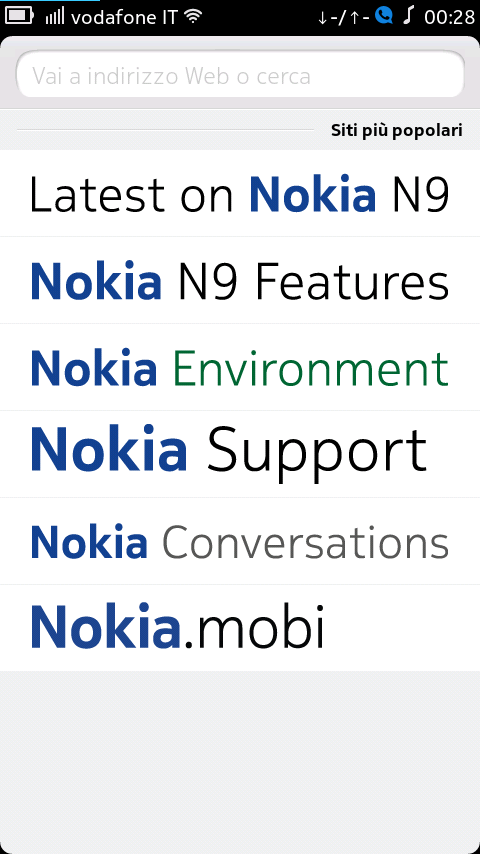 Even if the Nokia N9 has a bunch of quite good alternative browsers, like Opera or Firefox among the others, you might choose to use the default browser instead - it’s quite smooth and has a good HTML5 compatibility; furthermore, you can set a link as homescreen shortcut. However, the lack of the bookmarking feature is quite annoying - luckily MeeGo is highly customizable, so an app can help you. It’s called MyTopSites and you can download it from the Nokia Store.
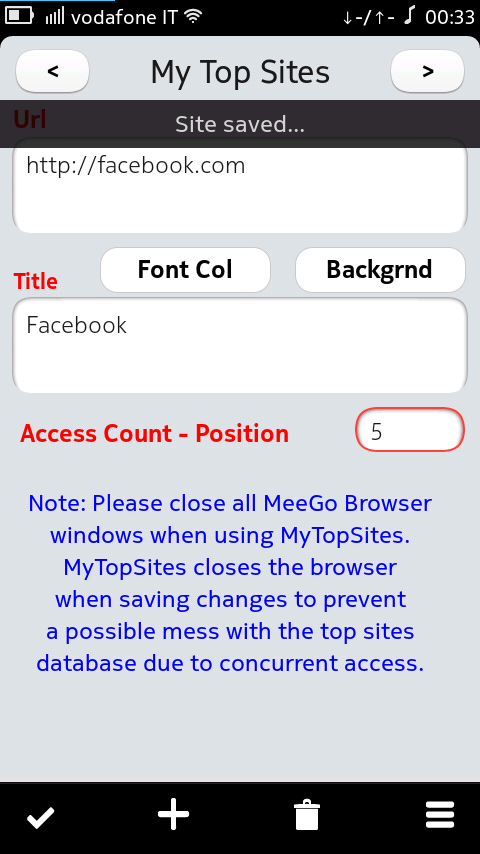
 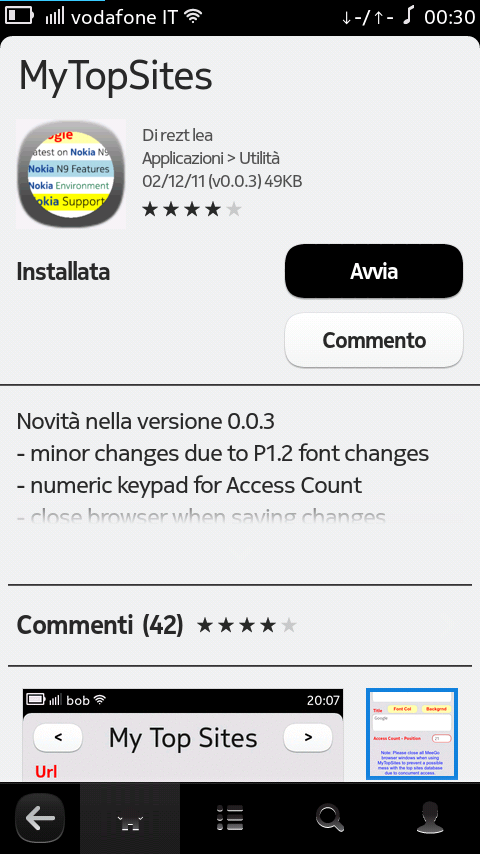 Now you will be able to customize the Most popular sites page on your browser. Let’s see how; once you open the app, you will be prompted on a screen like this:
 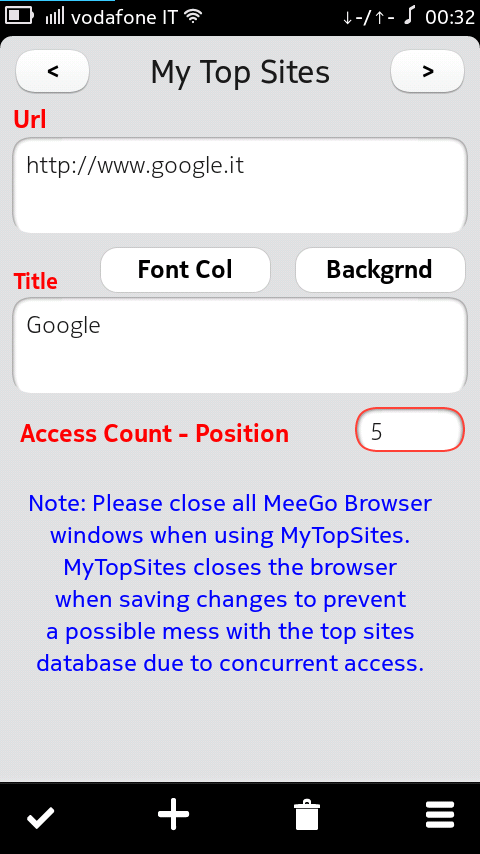 You can easily customize or delete existing links or create a new one, aside from pick a color for the font or the background.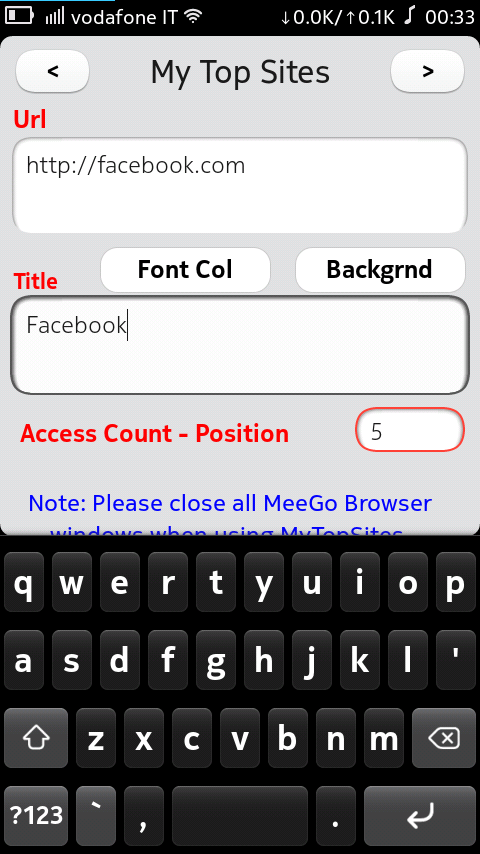
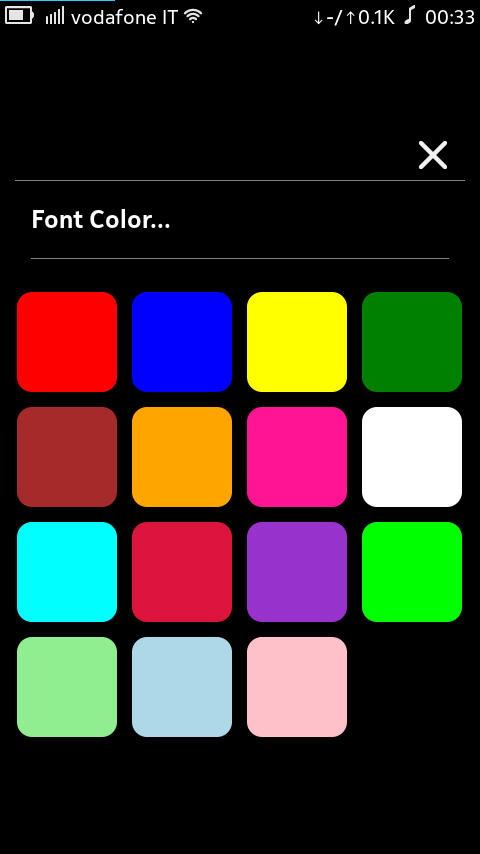
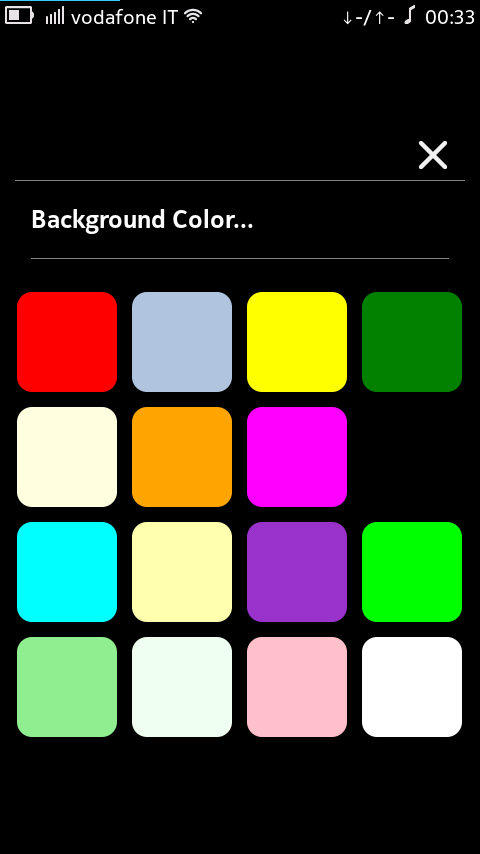 Right under those options, you can see Access Count - Position ; there you can set the link position on the list. Set 5 or higher value - an higher value corresponds to an higher position on the list. Remember to close all your browser windows and to save your changes before you close.
  This is the final result:
 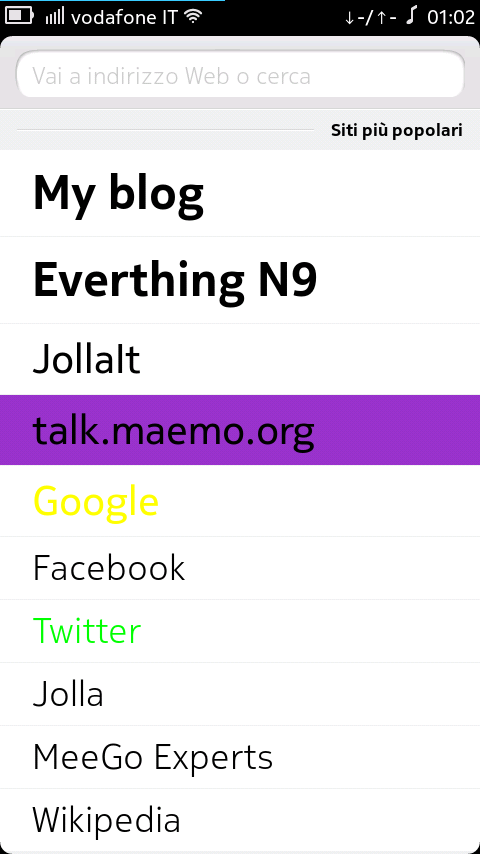 Note: if you clear your browsing history, custom links will be resetted.